
7 best warranty management software for consumer brands 2026

 Returns
Contents
- What Is Warranty Management Software for Consumer Brands?
- Signs Your Helpdesk Has Outgrown Warranty Claims Management
- What the Best Warranty Management System Needs to Handle
- 7 Best Warranty Management Software for Consumer Brands (2026)
- Warranty Software Stacks for Common Consumer Brand Setups
- Warranty Management Software FAQs
Who owns this product, where was it bought, and is it still under warranty? Warranty management software answers those three questions before a claim reaches the support queue. It then carries the claim through troubleshooting, repair, replacement, or refund. For consumer brands selling through their own website, Amazon, and retail stores at once, however, those answers tend to sit across several disconnected systems.
This guide compares seven tools by the warranty functions each one covers: ownership records, purchase validation, claim intake, fulfilment, and defect and revenue data. Beyond the warranty tool list, it also maps four tool stacks for common consumer brand setups, so your shortlist reflects how your products sell and get fixed.
TLDR
- Warranty management software helps consumer brands register product owners, validate purchases from any channel, process claims, and track repairs and replacements.
- Dyrect is purpose-built for omnichannel brands, with registration, claims, AI support, analytics, and extended warranties.
- parcelLab powers tracking, returns, and warranty case flows, while Zendesk, Freshdesk, HubSpot, Zuper, and Tavant cover support, field service, and dealer claims.
What Is Warranty Management Software for Consumer Brands?
Warranty management software is essentially a system that records who owns each product, checks whether a claim falls inside the coverage terms, and manages the resolution from first contact to final repair, replacement, or refund. For consumer brands, it also turns buyers from retail and marketplace channels into known product owners.
Consumer brands face a specific version of this problem. Their products sell through Shopify stores, Amazon listings, big-box retailers, and distributors, yet the brand sees order data for its direct sales alone. As a result, a large share of warranty claimants arrive with zero history in the brand’s systems.
The cost of handling those claims is measurable. In 2025, US manufacturers spent an average of 1.30% of product revenue on warranty claims, while US consumer electronics makers spent 1.38%. Faster, cleaner claim handling therefore protects margin directly.
Here is how a helpdesk and a dedicated warranty management system split the work:
| Warranty task | Helpdesk | Warranty management system |
|---|---|---|
| Customer conversation | Core strength across email, chat, and phone | Sends status updates through a portal, email, and AI chat |
| Product ownership record | Stored as text inside ticket fields | Stored per unit, with serial number and purchase date |
| Coverage check | Agent reviews documents manually | Rules check purchase date, product, and coverage term |
| Repair and replacement tracking | Tags and custom ticket statuses | Dedicated service workflow attached to each claim |
| Defect reporting | Ticket counts by tag | Claim rates by SKU, batch, and defect type |
In practice, consumer brands get the strongest results by connecting the two. The helpdesk keeps the conversation, while the warranty system holds the product, coverage, and service data.
Signs Your Helpdesk Has Outgrown Warranty Claims Management
Your helpdesk has outgrown warranty claims once agents spend more time verifying purchases and tracking repairs than answering customers. The six signs below usually appear together, and each one adds handling time to every claim.
- Agents request proof of purchase on most warranty tickets. Buyers from Amazon or retail stores rarely appear in your order system, so agents ask for invoices and then wait for replies. Several brands even publish detailed guides explaining which Amazon documents count as valid proof, which shows how much friction this single step creates.
- Retail and marketplace buyers stay anonymous after the sale. One in three consumers skips product registration and warranty cards entirely. Consequently, the brand meets these owners for the first time when something breaks.
- Claim status lives in tags and spreadsheet columns. Once claims move between support, operations, and repair partners, every status update depends on someone remembering to change a tag.
- Claim cycle times keep stretching. IBM’s warranty benchmarking found that top-performing warranty organizations resolve a claim in about 5 days, compared with about 20 days for bottom performers. Manual verification and handoffs between tools are common causes of that gap.
- Product teams wait weeks for defect data. Helpdesk tags count complaints, but they rarely tie a failure to a specific SKU, batch, or component.
- Repairs and replacements run in a separate sheet. Shipping a replacement or booking a repair means switching tools, which splits one claim record into two.
If three or more of these signs match your current setup, it’s time to add a dedicated warranty management system alongside your helpdesk.
What the Best Warranty Management System Needs to Handle
The best warranty management system handles five functions: ownership records, purchase validation, claim intake, fulfilment, and defect and revenue data. Use these five functions as your evaluation framework, because each tool in this guide covers a different mix of them.
Ownership Records for Buyers From Every Sales Channel
Ownership records link each product unit to its owner, purchase date, purchase channel, and coverage term. For direct orders, your ecommerce platform can create these records automatically. For Amazon, retail, and distributor sales, however, the buyer has to register the product, typically by scanning a QR code on the packaging or completing a short web form.
What to check: QR code registration, support for offline and retail purchases, and automatic registration of direct orders.
Purchase Validation Beyond Your Own Store Orders
Purchase validation confirms the product is genuine, belongs to the claimant, and sits inside the warranty window. Strong systems check serial numbers against a product registry, compare purchase dates with coverage rules, and flag duplicate claims on the same unit. Meanwhile, receipt uploads with automatic text extraction cover purchases made outside your store.
What to check: serial number validation, duplicate claim detection, and receipt reading at registration or claim time.
Claim Intake That Collects Complete Evidence Upfront
Claim intake decides how fast a claim moves. Structured forms with required fields for serial number, issue type, photos, and proof of purchase let agents act on the first submission instead of chasing missing details over email.
AI support agents now take this further. They troubleshoot the issue first, resolve simple cases on the spot, and pass genuine claims to a human with the evidence already attached.
What to check: custom claim forms, photo and video upload, AI troubleshooting, and a customer portal with real-time status.
Repair, Replacement and Return Fulfilment
Fulfilment covers everything after approval: shipping a replacement, issuing a return label, booking a repair center, or dispatching a technician. Each path needs status tracking tied to the original claim, so customers and agents see the same progress.
What to check: support for your resolution types, shipment tracking inside the claim, and integrations with your returns or field service tools.
Defect Data and Protection Plan Revenue
Each resolved claim is product feedback. Systems that report claim rates by SKU, batch, and defect type give product and quality teams early warning before a fault spreads across a production run.
On the revenue side, registration creates a natural moment to offer extended warranty plans to verified owners. Brands that run these plans in-house also keep the full plan margin.
What to check: SKU-level defect reporting, data export, and built-in extended warranty or upsell offers.
7 Best Warranty Management Software for Consumer Brands (2026)
The seven tools below cover different parts of the warranty lifecycle, from full warranty platforms to post-purchase platforms, helpdesks, field service tools, and dealer-network systems. Use the first table for a quick overview and the second to see which warranty functions each tool covers.
| Tool | Category | Best for | Starting price | G2 rating |
|---|---|---|---|---|
| Dyrect | Warranty management platform | Omnichannel consumer brands needing registration, claims, AI support, and warranty revenue | Free plan; paid from $19/month | 4.8/5 |
| parcelLab | Post-purchase experience platform | Enterprise retailers and brands running branded tracking, returns, and warranty cases | Custom quote | 4.6/5 |
| Zendesk | Customer service platform | Large support teams handling warranty conversations | $19/agent/month | 4.3/5 |
| Freshdesk | Helpdesk | Mid-market support teams | $19/agent/month | 4.4/5 |
| HubSpot Service Hub | CRM-based helpdesk | Brands running marketing and support on HubSpot | Free tools; Starter from $20/seat/month | 4.4/5 |
| Zuper | Field service management | Brands with in-home repairs and installations | Custom quote | 4.7/5 |
| Tavant | Dealer and OEM warranty system | Brands selling through dealer and service networks | Custom quote | Few public reviews |
Warranty functions each tool covers
| Tool | Primary role in a warranty stack | Warranty management functions covered |
|---|---|---|
| Dyrect | End-to-end warranty platform | Omnichannel registration, serial and receipt validation, claims, repairs and replacements, AI support agent, analytics, extended warranties |
| parcelLab | Post-purchase journey and returns | Order tracking, delivery and returns communication, returns portal, warranty and repair case approvals |
| Zendesk | Customer conversations at scale | Warranty ticket forms, routing, macros, AI agents, omnichannel support |
| Freshdesk | Structured support workflows | Warranty ticket fields, automation rules, SLAs, self-service portal |
| HubSpot Service Hub | CRM-connected support | CRM-linked warranty tickets, pipelines, workflows, owner follow-up |
| Zuper | In-home service delivery | Technician scheduling and dispatch, asset warranty tracking, parts, on-site scans |
| Tavant | Dealer and supplier warranty operations | Dealer claims, policy administration, parts returns, supplier recovery |
1. Dyrect: Warranty Management Software Purpose-Built for Omnichannel Brands
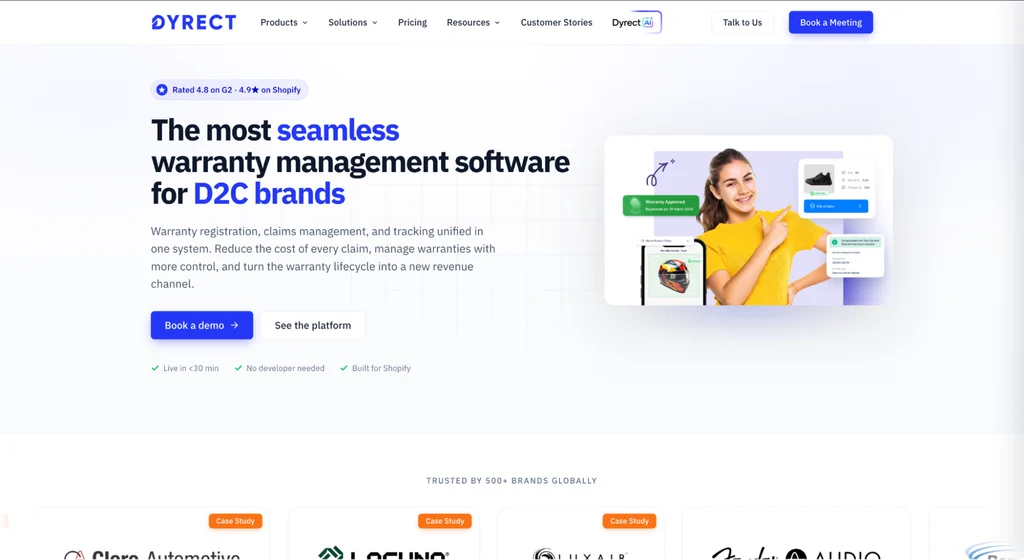
Dyrect is a warranty management platform purpose-built for omnichannel consumer brands, covering warranty registration, claims management, analytics, extended warranty sales, and an AI support agent in one system. It powers more than 500 brands globally across electronics, appliances, cycling, fitness, baby gear, furniture, and outdoor gear.
Dyrect captures customer data from Shopify, Amazon, retail, and offline sales through QR codes and branded registration pages. It then uses those ownership records to validate each claim. On top of service, it enables brands to generate extra revenue throughout the warranty lifecycle through extended warranty plans and upsell offers.
Warranty functions it covers
- Warranty registration through QR codes, web forms, offline channels, and automatic Shopify sync, with a digital warranty card for each product
- Claims management with serial number, purchase date, and coverage validation, plus repair, replacement, and shipment tracking
- AI support agent that resolves around 80% of warranty support requests through troubleshooting, coverage checks, and claim filing, then routes complex cases to human agents with full context
- Automatic receipt and serial reading from photos, plus fraud and duplicate claim detection
- Analytics for registration rates, claim frequency by SKU, defect trends, cost per claim, and plan revenue
- Extended warranty and upsell offers on product pages, at checkout, and after registration, with 100% of plan revenue kept in-house
How a warranty claim runs in Dyrect
- The owner registers by scanning the QR code on the box, and Dyrect records the serial number, purchase channel, and coverage term.
- When an issue appears, the AI agent troubleshoots using the brand’s manuals, reads the receipt from a photo, checks coverage, and files the claim if needed.
- Complex cases go to a human agent with the full chat and claim history, and the repair or replacement is tracked to closure inside the same record.
Ideal for: Omnichannel consumer brands selling through their own store, marketplaces, and retail partners that want registration, claims, AI support, and warranty revenue in one platform.
Works well with: Zendesk, Freshdesk, Zoho Desk, and HubSpot for support conversations, Klaviyo for owner marketing, parcelLab for returns journeys, and Zuper for in-home repairs.
Pricing: Free plan with 100 lifetime credits. Paid plans cost $19/month (Registration), $49/month (Claims), and $149/month (Claims Pro), each with 100 credits per month, and automatic Shopify registrations are free. Enterprise plans add extended warranties, serialization and QR codes, and a dealer portal.
Ratings: 4.8/5 on G2 and 4.9/5 on the Shopify App Store.
2. parcelLab: Post-Purchase Experience Platform With Returns and Warranty Flows
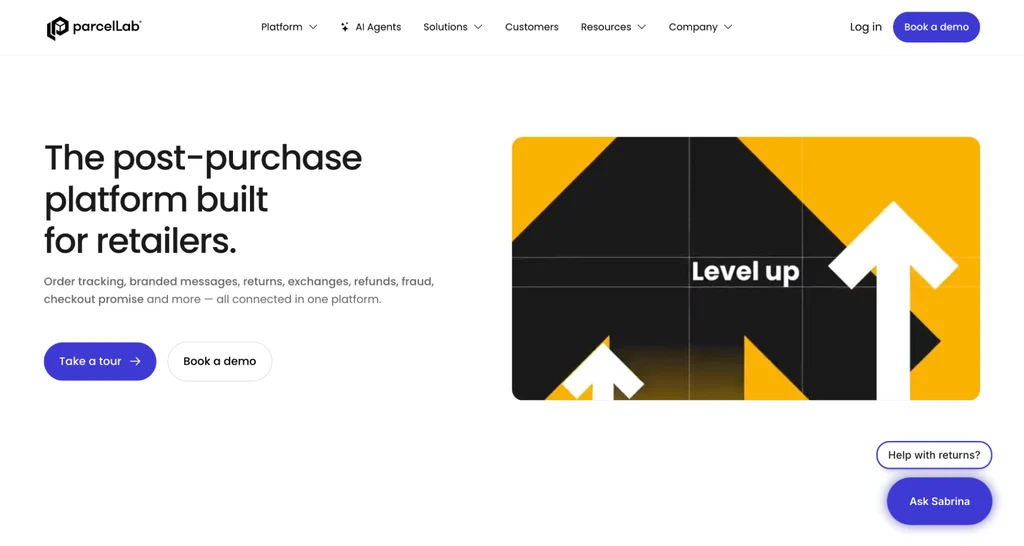
parcelLab is a post-purchase experience platform that powers order tracking, delivery communication, and returns for enterprise retailers and brands, with dedicated warranty and claims flows inside its returns product, parcelLab Retain. Its customers include Bose, Farfetch, Lidl, and MediaMarkt.
parcelLab’s core product, Engage, gives brands branded tracking pages, delivery estimates, and proactive notifications from checkout to doorstep. Retain extends that same branded experience to returns, exchanges, repairs, and warranty cases. Electronics retailer Conrad, for example, reduced returns by 5% through Retain’s automation.
Warranty functions it covers
- Branded order tracking pages and proactive delivery notifications
- Self-service returns portal with return labels or QR codes and live return tracking
- Warranty and claims cases that collect images and descriptions, with approval flows for return, repair, or warranty outcomes
- Return Approvals dashboard for quality checks on requests submitted during the warranty period
- Agent tools to start returns directly from an order’s tracking details
- Integrations with Kustomer, Gorgias, Klaviyo, and Adobe Commerce
How a warranty claim runs in parcelLab
- The customer opens the order on the brand’s returns portal and selects a warranty or repair reason.
- The portal requests photos and a description, and the case enters an approval flow for return, repair, or warranty.
- Once approved, parcelLab issues the label, tracks the shipment, and updates the customer at each step with branded messages.
Ideal for: Enterprise retailers and brands that want warranty and repair cases to feel like part of their branded post-purchase journey.
Works well with: Kustomer and Gorgias for support conversations, Klaviyo for messaging, and Dyrect for owner registration and protection plans across marketplace and retail sales.
Pricing: Custom quote based on the modules you choose.
G2 rating: 4.6/5
Get a demo to see what parcelLab can do for you.
3. Zendesk: Warranty Claims Inside an Enterprise Helpdesk
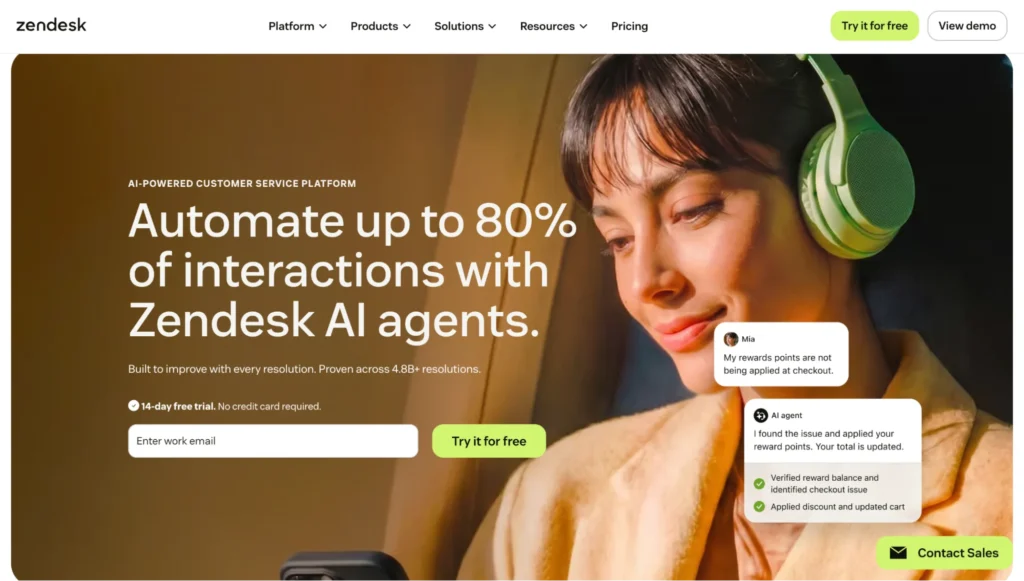
Zendesk is a customer service platform that brands configure for warranty claims using dedicated ticket forms, custom fields, triggers, and macros. It suits large support teams that want warranty conversations alongside email, chat, messaging, and phone support.
Zendesk’s strength is volume and channel coverage. Once a warranty form and routing rules are in place, claims arrive in the same workspace agents already use for every other support request.
Warranty functions it covers
- Dedicated warranty ticket forms with required fields such as purchase date, serial number, and issue type
- Triggers and tags that route claims, for example tagging tickets with a missing receipt
- Macros for standard replies such as approvals, denials, and requests for more evidence
- AI agents on Suite plans for first-line answers
- Reporting on warranty ticket volume by tag, product field, or agent
How a warranty claim runs in Zendesk
- The customer submits the warranty form with purchase date, serial number, issue type, and photos.
- Triggers tag the ticket and route it to the warranty queue, where AI agents can answer common questions first.
- Agents review the evidence, reply with macros for approval or next steps, and update status through ticket fields.
Ideal for: Large, multichannel support teams that want warranty requests handled in the same workspace as all other customer conversations.
Works well with: Dyrect, which syncs warranty claims and service tickets into Zendesk so agents see ownership and coverage data in their usual view.
Pricing: Support Team costs $19/agent/month, Suite Team $55, and Suite Professional $115, all billed annually. The Copilot AI add-on costs $50/agent/month.
G2 rating: 4.3/5
4. Freshdesk: Warranty Ticket Workflows for Mid-Market Support Teams
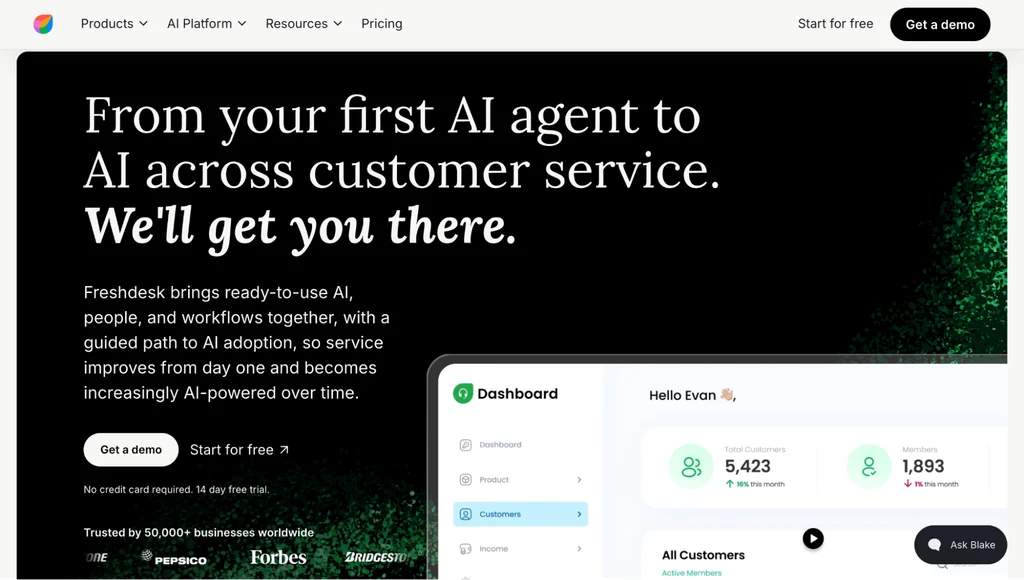
Freshdesk is a helpdesk from Freshworks that supports warranty workflows through custom ticket fields, automation rules, and SLA management. It suits mid-market support teams that want structured warranty tickets at a moderate per-agent cost.
Freshdesk stands out for its SLA tooling and self-service knowledge base. Together, these help teams hit claim response targets and resolve simple product questions before a formal claim opens.
Warranty functions it covers
- Custom ticket fields for serial number, purchase date, and claim type
- Automation rules that assign, tag, and prioritize warranty tickets
- SLA policies that track response and resolution times for claims
- Customer portal and knowledge base for self-service warranty answers
How a warranty claim runs in Freshdesk
- The customer checks care and troubleshooting articles in the portal, then submits a warranty ticket if the issue persists.
- Automation rules tag and assign the ticket, and an SLA timer starts for the first response.
- Agents review the evidence and resolve the claim, while reports track resolution time against SLA targets.
Ideal for: Growing support teams that want SLA-driven warranty handling and strong self-service at a mid-market price.
Works well with: Dyrect, whose Freshdesk integration syncs support tickets with claims processing so registration and coverage data reach agents automatically.
Pricing: Growth costs $19/agent/month, Pro $55, and Enterprise $89, billed annually. A free program covers up to two agents for six months.
G2 rating: 4.4/5
5. HubSpot Service Hub: Warranty Cases Connected to Your CRM
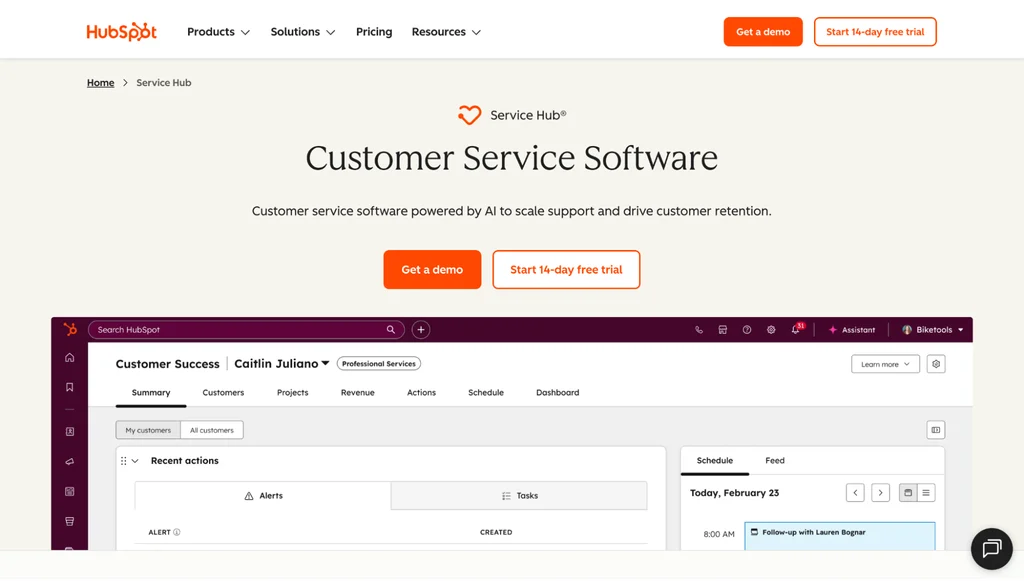
HubSpot Service Hub is a CRM-based helpdesk that ties each warranty ticket to the customer’s contact record, purchase history, and marketing activity. It suits consumer brands that already run email marketing and sales on HubSpot.
HubSpot’s advantage is what happens after the claim. Since tickets live in the CRM, marketing teams can follow up with owners about accessories, care tips, or upgrades once a claim closes.
Warranty functions it covers
- Tickets linked to contact and company records in the HubSpot CRM
- Custom ticket properties and pipelines for warranty stages
- Workflows that update ticket status and notify customers on paid tiers
- Customer portal and knowledge base
How a warranty claim runs in HubSpot Service Hub
- The claim arrives as a ticket and links automatically to the customer’s contact record.
- The ticket moves through a warranty pipeline with stages such as submitted, under review, approved, and shipped.
- After resolution, workflows trigger follow-up emails, and the owner joins relevant marketing segments.
Ideal for: Brands that want warranty service, marketing, and sales data in one CRM.
Works well with: Dyrect, whose HubSpot integration feeds registration data into the CRM, giving each contact a verified product record.
Pricing: Free tools are available. Starter costs $20/seat/month on monthly billing, Professional starts at $90/seat/month billed annually plus a $1,500 onboarding fee, and Enterprise costs $150/seat/month plus $3,500 onboarding.
G2 rating: 4.4/5
6. Zuper: Field Service Warranty Repairs for In-Home Products
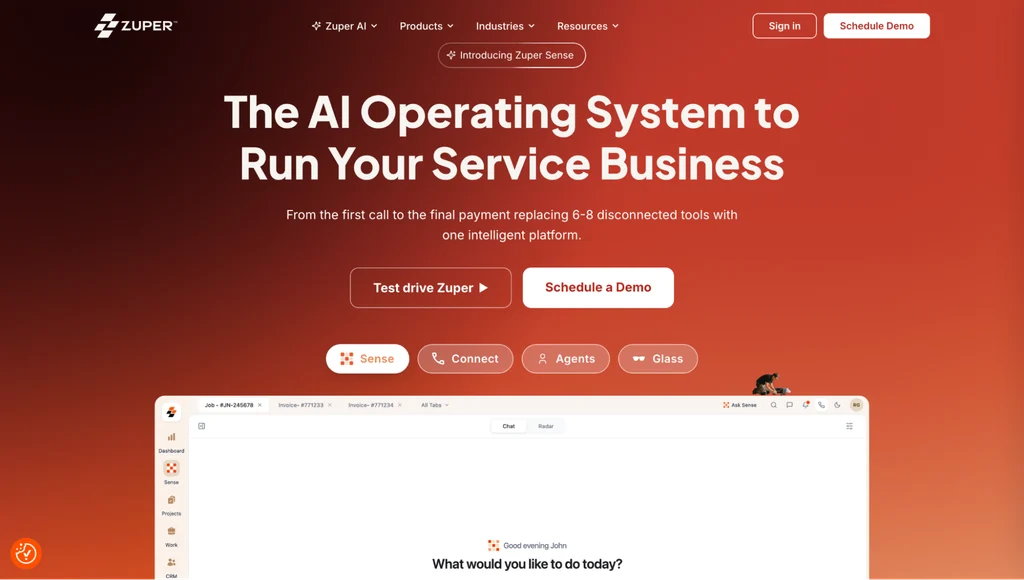
Zuper is a field service management platform that schedules and dispatches technicians, manages parts, and tracks warranty status for each serviced asset. It suits appliance, fitness equipment, and HVAC brands whose warranty repairs happen in the customer’s home.
Zuper’s strength is the on-site visit itself. Technicians get the job details, asset history, and warranty status on a mobile app, which helps them arrive prepared.
Warranty functions it covers
- Scheduling and dispatch based on technician availability and location
- Asset lifecycle and warranty tracking for each installed unit
- Barcode and QR code scanning on site
- Parts management, service history, and digital invoices
- Mobile app for technicians and a self-service portal for customers
How a warranty claim runs in Zuper
- An approved claim becomes a work order with the product and fault details attached.
- Zuper books a technician based on location and availability, then confirms the visit with the customer.
- The technician scans the unit, logs parts and photos, and the service history stays attached to the asset for future claims.
Ideal for: Brands that fix products in customers’ homes and need dispatch, parts, and on-site warranty records in one place.
Works well with: Dyrect for owner registration and claim approval upstream, and Freshdesk or HubSpot for customer conversations.
Pricing: Quote-based tiered plans.
G2 rating: 4.7/5
7. Tavant: Warranty Claims for Dealer and Service Networks
Tavant Warranty is an enterprise warranty system for manufacturers that process claims through dealers, service partners, and suppliers. It suits brands selling high-value durables, such as outdoor power equipment, through authorized dealer networks.
Tavant’s standout capability is supplier recovery. When a supplier’s part causes a failure, the system raises a recovery claim automatically, which returns part of the warranty cost to the brand.
Warranty functions it covers
- Warranty administration covering policies, fault codes, registration, and flat-rate labor
- Claims processing with authorizations and coverage checks across dealer locations
- Parts return management for repairs and refurbishment
- Supplier recovery with supplier contracts, part mapping, and automated recovery claims
How a warranty claim runs in Tavant
- The dealer submits a claim for the end customer, with fault codes and labor details.
- Tavant validates coverage and policy rules, and the dealer gets reimbursed.
- The system creates a recovery claim against the supplier whose part failed, and parts return for analysis.
Ideal for: Manufacturers with large dealer and service networks that need dealer reimbursement and supplier recovery at scale.
Works well with: Dyrect for direct owner registration and protection plans, and HubSpot for owner marketing.
Pricing: Custom quote.
Ratings: Tavant has few public reviews on G2 or Capterra, so reference calls with similar manufacturers carry more weight during evaluation.
Warranty Software Stacks for Common Consumer Brand Setups
The right warranty stack depends on where your products sell and how they get fixed. The four setups below cover the most common consumer brand patterns, along with the tools that fit each one.
Shopify-First Brand Selling Through Amazon and Retail
Setup: Direct sales run on Shopify, while a large share of units sell on Amazon and through retail partners.
Recommended stack: Dyrect plus Zendesk or Freshdesk
- Shopify orders register automatically in Dyrect, and QR codes on packaging register Amazon and retail buyers.
- The AI agent resolves routine questions, and validated claims sync to the helpdesk for any follow-up conversation.
- Approved claims trigger replacements tracked inside Dyrect, and defect data reaches the product team by SKU.
This stack gives the brand one owner database across all three channels. Support, meanwhile, keeps working in its familiar helpdesk.
Enterprise Retailer Already Running parcelLab and Zendesk
Setup: An enterprise brand uses parcelLab for tracking and returns, and Zendesk for customer support.
Recommended stack: parcelLab, Zendesk, and Dyrect
- parcelLab runs the branded tracking and returns journey, including warranty and repair cases for direct orders.
- Dyrect adds ownership records for marketplace and retail buyers, serial validation, and protection plan sales.
- Zendesk keeps the customer conversation, with warranty data synced into each ticket.
Each tool keeps its specialty in this setup. As a result, customers get one consistent experience whether they bought direct or through a retail partner.
Appliance or Fitness Brand With In-Home Repairs
Setup: Products such as treadmills, washing machines, or HVAC units get repaired at the customer’s home.
Recommended stack: Dyrect, Zuper, and Freshdesk or HubSpot Service Hub
- Owners register through QR codes on the product, which records the serial number, install date, and coverage term.
- Validated claims that need a technician become Zuper work orders with the product and fault details attached.
- Zuper logs parts, photos, and visit outcomes, and the claim closes with full service history.
Technicians therefore arrive knowing the model, fault, and coverage status. That context helps them bring the right parts on the first visit.
Brand Selling Through Dealers and Authorized Service Centers
Setup: Dealers sell, service, and file warranty claims, while the brand wants a direct relationship with end owners as well.
Recommended stack: Tavant, Dyrect, and HubSpot Service Hub
- Dealers file claims and receive reimbursement through Tavant, and supplier recovery runs automatically.
- End owners register directly with the brand through Dyrect, giving marketing a verified owner list beyond dealer records.
- HubSpot uses that owner data for service reminders, accessory offers, and recall notices.
Mid-size dealer networks can simplify further. In that case, Dyrect’s dealer portal and dealer payouts cover the dealer side within the same platform.
Warranty Management Software FAQs
Warranty management software is a system that records product ownership, validates warranty coverage, and manages claims through repair, replacement, or refund. It typically includes product registration, claim forms, a customer portal, service tracking, and reporting. Consumer brands use it to replace inbox and spreadsheet processes and to build owner records across every sales channel.
Zendesk and Freshdesk handle warranty conversations well through custom ticket forms, fields, and automation rules. However, both store warranty details as ticket data, so coverage checks, serial validation, and repair tracking stay manual. The usual fix is to connect the helpdesk to a dedicated warranty platform, which keeps agents in their helpdesk while the warranty system holds product and coverage records.
Brands validate these claims through product registration, serial numbers, and receipt uploads. When buyers register by scanning a QR code on the packaging, the brand records the serial number, purchase date, and purchase channel before any claim exists. At claim time, the system matches the serial number against that registration and checks the coverage window, so agents skip the invoice chase.
Proof of purchase is evidence the customer holds, such as a receipt or invoice showing when and where the product was bought. Warranty registration, by contrast, is a record the brand holds, created when the owner registers the product. Registration moves the evidence into the brand’s system early, so claims start with verified data instead of a document request.
Pricing depends on the tool type. Dedicated platforms like Dyrect offer a free plan and paid plans from $19 per month, while helpdesks such as Zendesk and Freshdesk start at $19 per agent per month. Enterprise warranty systems like Tavant and post-purchase platforms like parcelLab use custom quotes based on modules and volume.
parcelLab manages the post-purchase journey for the orders a brand ships, including tracking, returns, and warranty or repair cases. Warranty software adds owner registration for buyers from marketplaces and retail, serial-based coverage checks, AI support, and protection plan sales. Running both gives complete coverage across every channel where your products sell.
Yes. Warranty-specific AI agents troubleshoot product issues using the brand’s manuals, read receipts and serial numbers from photos, check coverage, and file claims automatically. Dyrect’s AI agent, for example, resolves around 80% of warranty support requests on its own and routes complex cases to human agents with the full conversation attached.
Warranty tracking software logs each claim against a specific product, SKU, batch, and defect type. Product and quality teams use these reports to spot rising failure rates early, trace faults to suppliers or production runs, and prioritize design fixes. Whereas helpdesk tags count complaints, warranty tracking connects each complaint to the exact unit that failed.
Yes. Brands can sell their own extended warranty or protection plans at checkout, on the product page, or right after registration, when owner intent runs highest. Running plans in-house keeps the full plan revenue with the brand, and registration data also supports accessory and repeat-purchase campaigns.
Move warranty claims into a dedicated system once agents regularly chase proof of purchase, claim status lives in tags or spreadsheets, or product teams ask for defect data by SKU. Growing marketplace and retail sales bring this point closer, because those buyers arrive with zero order history. Keep the helpdesk for conversations, and let the warranty system own product, coverage, and service data.
Liked this Post? View more related posts below


