What’s new: Clearer insights and improved Copilot workflows
 AI
 Insights
Peak season puts your delivery operations to the test. When volumes rise, you need to know what’s happening, spot issues early and get to the information you need without extra work.
That’s where our latest update comes in.
We’ve introduced a new analytics experience to help you explore delivery and returns performance, alongside Copilot improvements that make it easier to work across the parcelLab App and create custom data exports.
From spotting regional carrier issues to navigating reports with more flexibility, here’s what’s new.
A fresh look at your data
Standard analytics reports now offer an updated interface, with more ways to assess performance and investigate trends.
You can switch to the new experience to explore the latest reporting improvements, then return to the existing interface whenever you need to. Both remain available during peak season.
Here’s what’s changed:
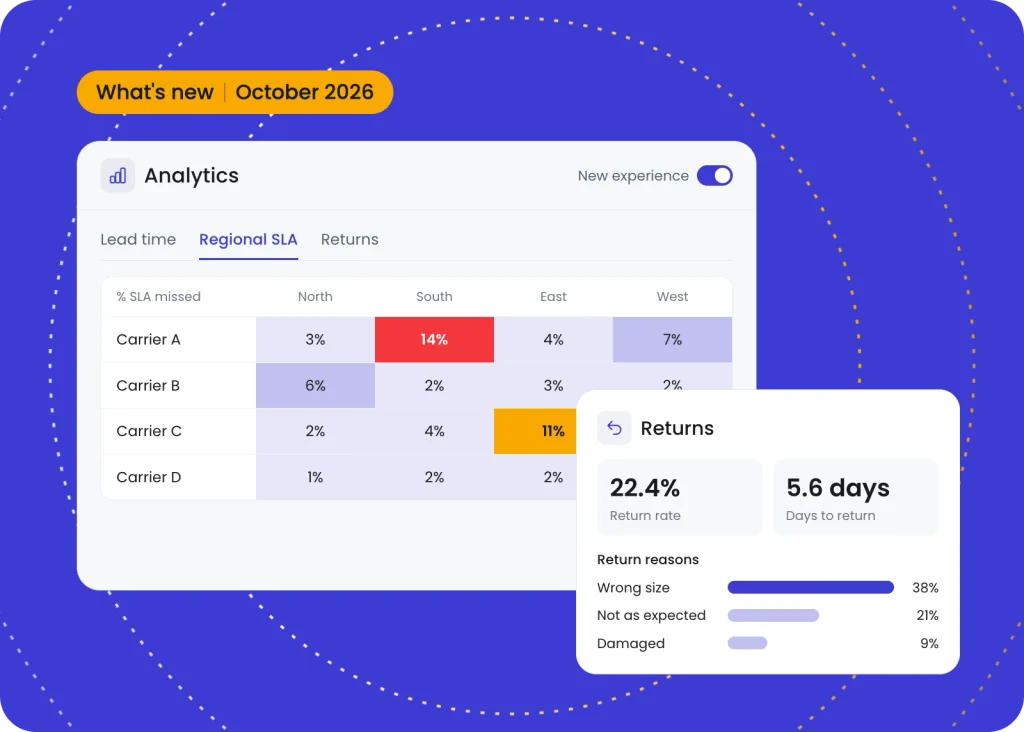
- Spot regional delivery issues: A new regional SLA report helps you identify the regions where carriers are missing their service-level agreements. This gives you a more detailed view than overall carrier performance alone.
- Explore data with pivot tables: Some existing table views have been replaced by pivot tables in the new analytics experience, giving you a different way to review and compare reporting data.
- Understand returns performance: Refreshed returns reporting provides insights into returns trends, carrier performance, and customer return behavior, helping you look at returns activity from several angles and see where improvements could be made.
For teams preparing for peak, these updates provide greater visibility into delivery and returns performance, making it easier to identify areas that need attention.
More flexibility when working with Copilot
We’re continuing to improve how you use Copilot across the App, so you can go beyond finding answers and make changes to your setup while getting on with your everyday tasks.
These usability improvements help keep conversations connected to what you’re doing in the App, without interrupting your workflow.
Here’s what’s changed:
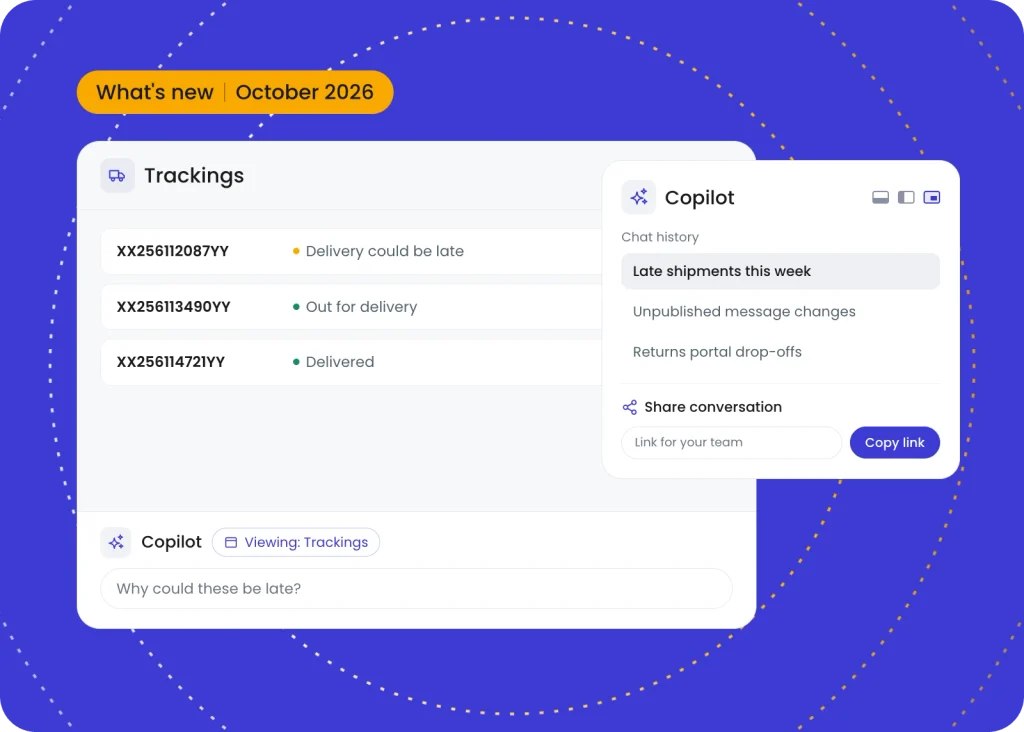
- Share conversations with your team: Easily share Copilot chats with colleagues using a link, whether you’re asking for assistance, passing on an answer or sharing the results of an investigation.
- Get page-aware assistance: When you start a new chat from the bottom panel, Copilot uses the context of the page you’re viewing. Ask questions about the area you’re working in without having to explain where you are in the App each time.
- Choose how you work with Copilot: Access Copilot from the bottom chat panel throughout the App, or choose to switch to a left-hand sidebar or floating window, with access to your full chat history.
Whether you’re checking a report or investigating an issue, these changes give you more flexibility to work with Copilot while staying focused on the task at hand.
Create custom data exports with Copilot
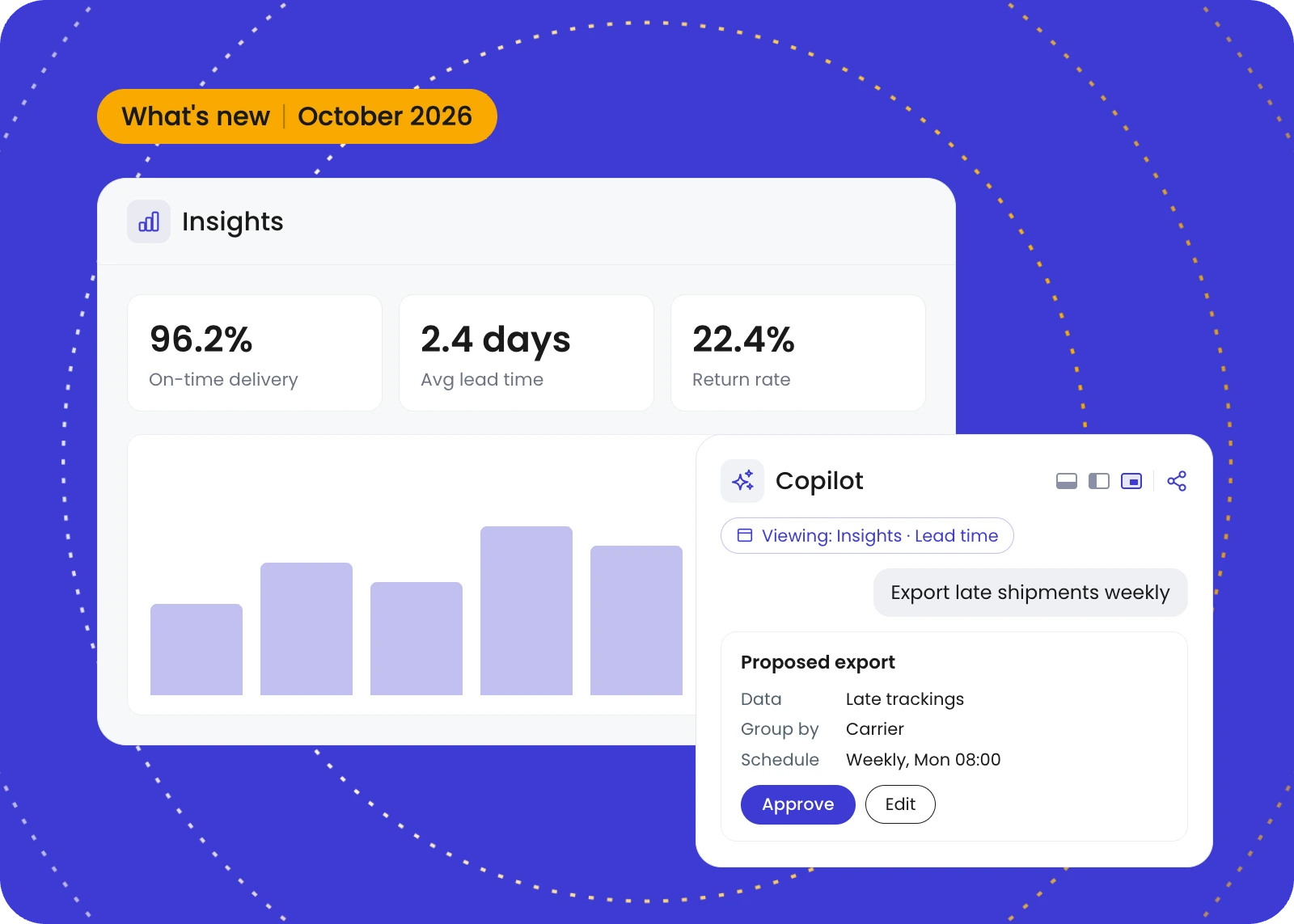
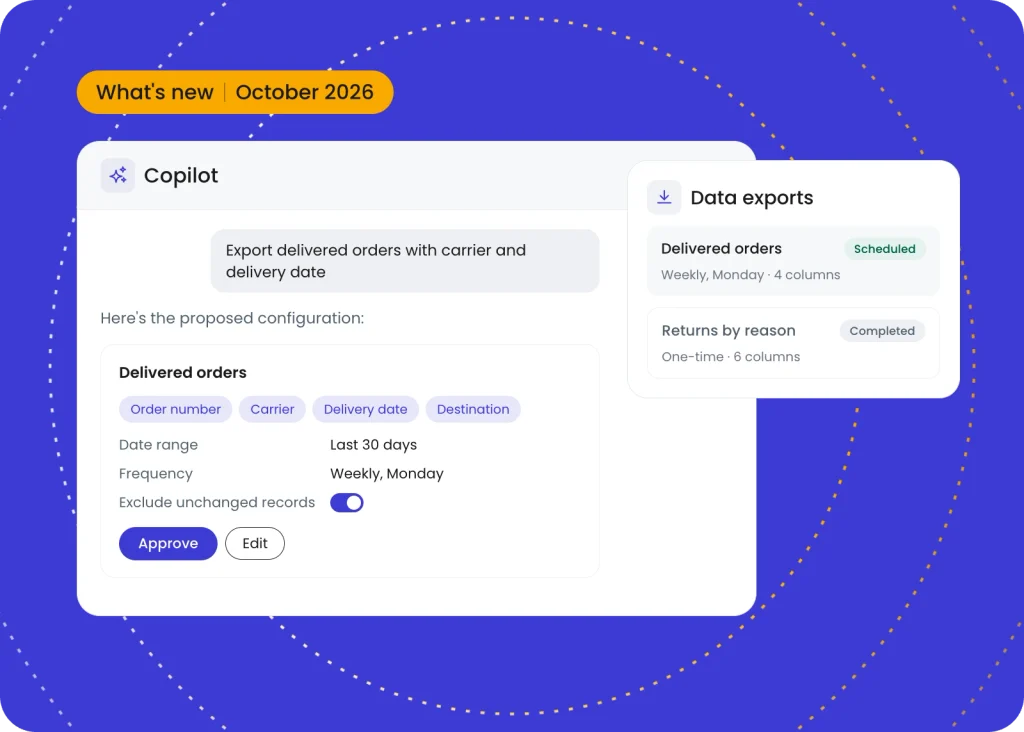
Following the recent introduction of self-service data exports, streamline your workflow by using Copilot to create, run, and schedule custom exports directly through a conversation.
Here’s how it works:
- Describe the data you need: Tell Copilot what you want to export and which details to include.
- Check the details: Copilot suggests the relevant columns and proposes settings such as date range, frequency, and whether to exclude unchanged records in scheduled exports.
- Approve and create your export: Once you’ve reviewed and approved the configuration, Copilot creates the export for you.
This simplifies the setup process, helping you get the data you need without configuring everything manually.
Explore more updates
These updates are designed to help you get even more from parcelLab, whether you’re reviewing carrier performance, exploring your data or making the most of Copilot.
There’s plenty more to see! Click the button below to browse all the latest product updates and improvements across parcelLab.
Liked this Post? View more related posts below